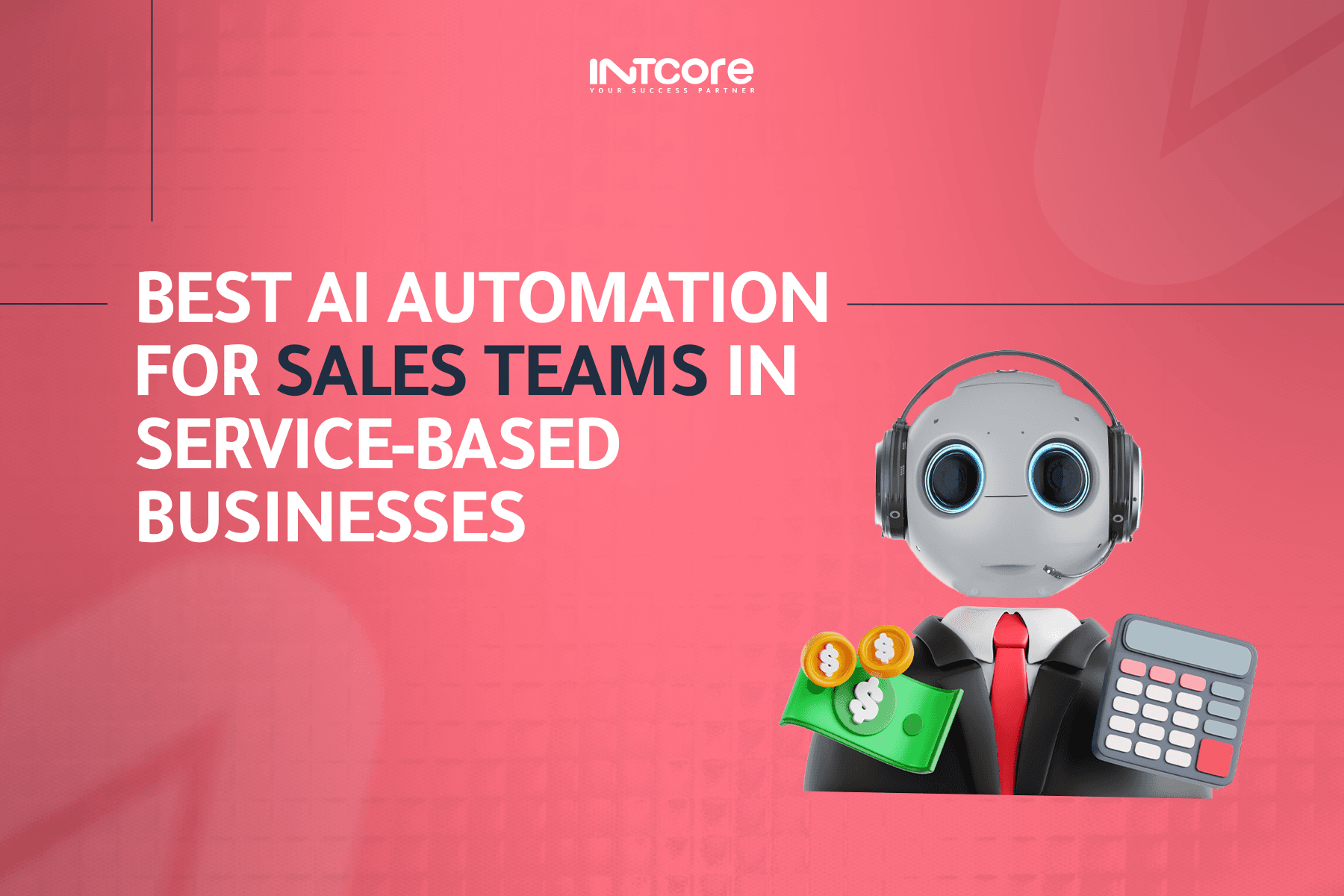
Best AI Automation for Sales Teams in Service-Based Businesses
In today’s fast-paced digital landscape, service-based businesses face increasing pressure to streamline sales processes, improve lead conversion, and enhance customer experience. AI automation is no longer just a trend.
At Intcore, we specialize in AI solutions that empower sales teams to work smarter, not harder. In this blog, we’ll explore the best AI automation tools and strategies tailored for service-based businesses and how they can transform your sales operations.
Why AI Automation is a Must for Sales Teams
Sales teams in service-based businesses often juggle repetitive tasks like lead qualification, follow-ups, and data entry. These tasks consume valuable time and reduce the focus on closing deals. AI automation can:
- Increase productivity: Automate routine tasks so your team can focus on high-value sales activities.
- Boost lead conversion: Intelligent lead scoring ensures your team focuses on the most promising prospects.
- Enhance customer experience: AI chatbots and personalized messaging engage clients 24/7.
- Data-driven insights: AI analytics identify trends, forecast sales, and optimize strategies.
Top AI Automation Tools for Service-Based Sales Teams
Here are the top AI solutions that can supercharge your sales operations:
1. AI-Powered CRM Systems
Modern CRM platforms integrated with AI can automatically capture, organize, and analyze customer interactions. Features include:
- Predictive lead scoring
- Automated follow-ups
- Customer behavior analytics
These tools help sales teams prioritize leads and close deals faster, improving overall sales efficiency.
2. Intelligent Chatbots for Lead Engagement
AI chatbots can handle initial client inquiries, book meetings, and qualify leads. Benefits include:
- 24/7 lead engagement
- Instant responses to common questions
- Personalized interactions at scale
By automating first-contact interactions, your sales team can focus on closing deals rather than answering repetitive queries.
3. AI Email Automation
AI email tools can optimize campaigns, suggest content, and schedule personalized follow-ups. This ensures:
- Higher email open and response rates
- Efficient lead nurturing
- Automated outreach without manual effort
4. AI Analytics for Sales Forecasting
AI analytics tools provide predictive insights that help sales managers make data-driven decisions. They can:
- Forecast sales trends accurately
- Identify potential risks in the sales pipeline
- Optimize resource allocation for maximum ROI
How Intcore Can Help
At Intcore, we provide custom AI automation solutions for service-based businesses. Our team specializes in integrating AI into your sales processes to:
- Automate repetitive tasks and reduce operational costs
- Enhance lead generation, nurturing, and conversion
- Provide actionable insights to improve decision-making
- Personalize client interactions to boost customer satisfaction
Our AI services are tailored to your business goals, ensuring you get maximum ROI while scaling your sales operations efficiently.
Implementing AI Automation in Your Sales Team
To successfully implement AI in your sales operations:
- Assess your sales workflow: Identify repetitive tasks that can be automated.
- Choose the right AI tools: Select solutions that align with your business needs.
- Train your team: Ensure your sales team understands how to use AI tools effectively.
- Monitor and optimize: Continuously track performance metrics and refine AI processes.
With the right strategy, AI automation can transform your service-based sales team into a high-performing, revenue-generating powerhouse.
Conclusion
AI automation is no longer optional, t’s essential for service-based businesses aiming to scale efficiently. From intelligent CRMs to AI chatbots and predictive analytics, these tools empower your sales team to focus on what truly matters: closing deals and growing your business.
Want to get started with AI ? Contact us now! and let our AI experts help you implement a tailored automation strategy that drives results.